Getting started
The essential everyday gestures in the application, once the installation is done.
Read
Install the application, name your device, enable alerts, then check that your equipment is compatible.
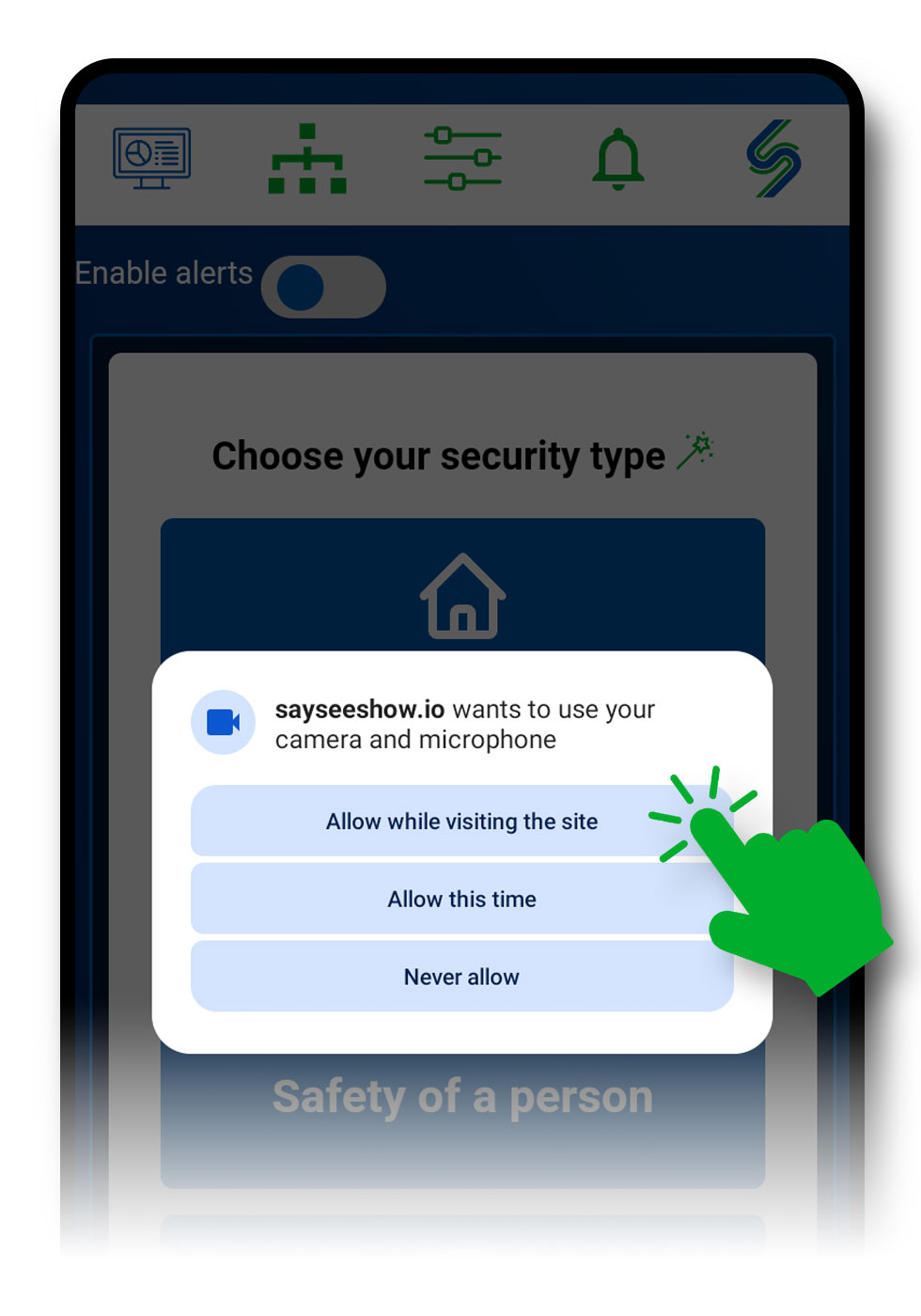
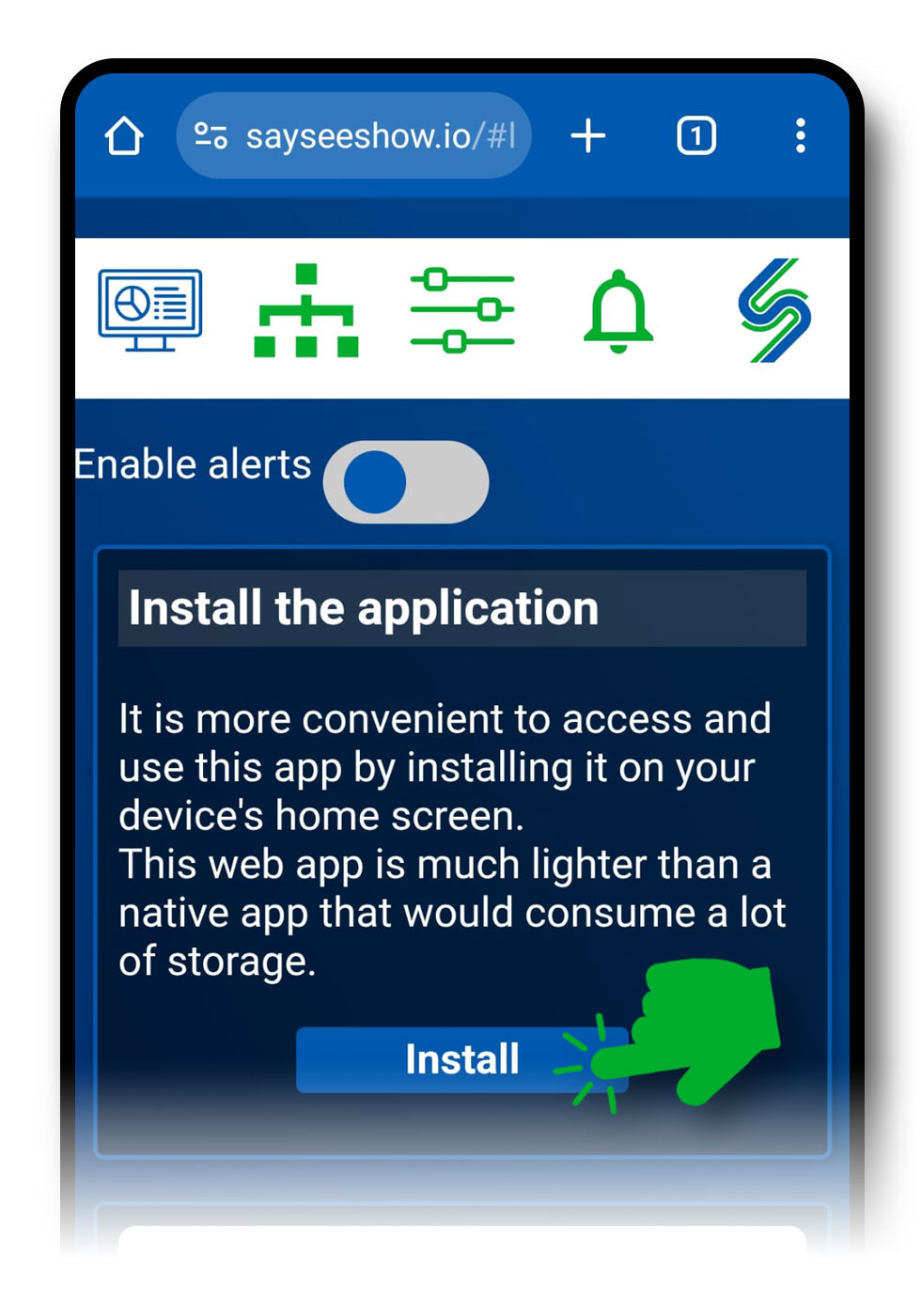
The installation takes place entirely in your browser, on each device concerned:
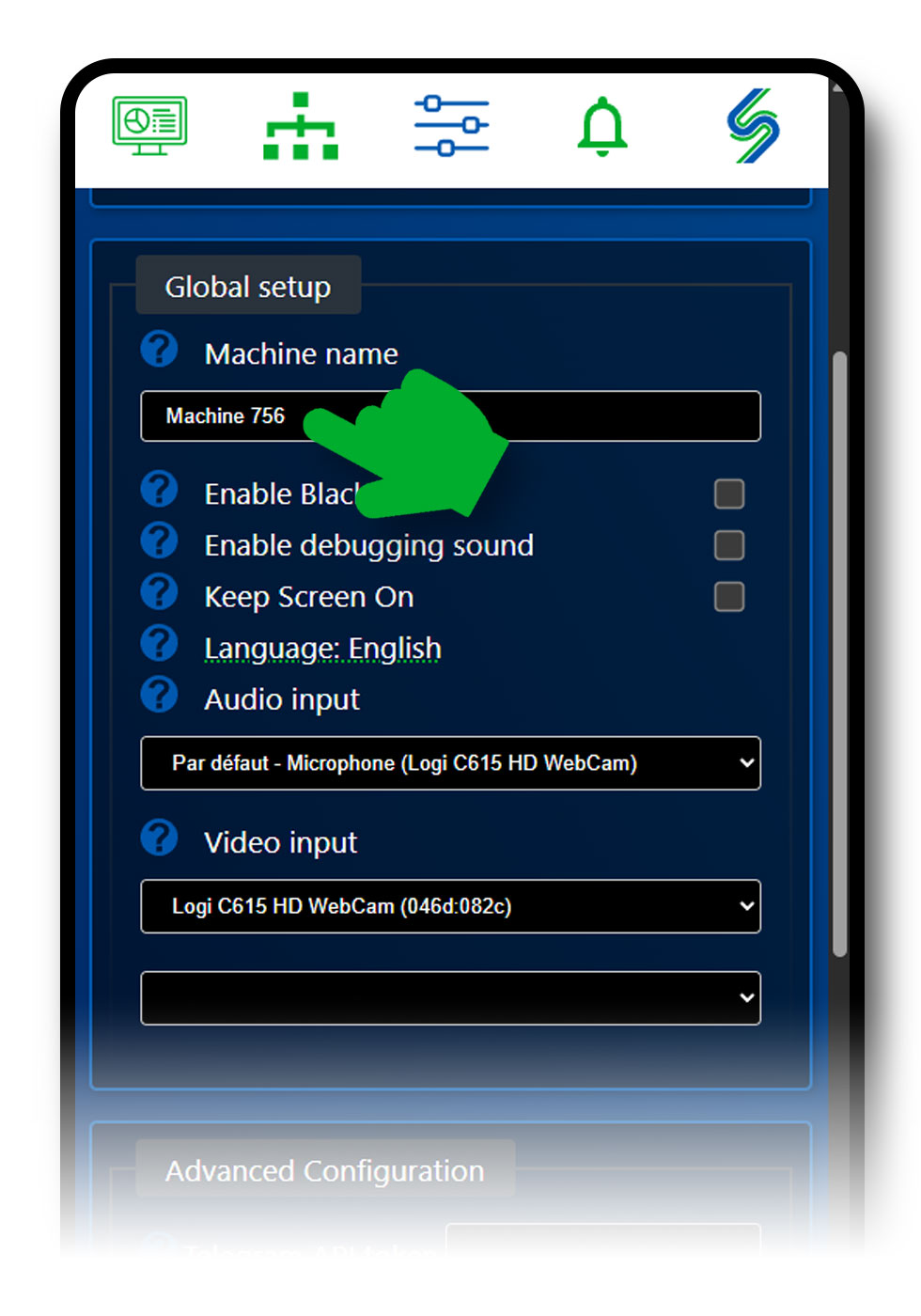
Giving each device a name makes the configuration much easier to read, in particular when you pair several of them:

The Enable Alerts button is on the home screen of sayseeshow.io. By default it is not enabled: without it, your device can neither receive nor send alerts.
For an alert to reach, say, the everyday phone, this button has to be enabled on the old smartphone that sends the alert and on the phone that receives it. If it is not enabled on both, nothing is received.


No. You do not need a phone plan or a SIM card to install and use the application on the old smartphone used as a sensor: it communicates over a closed, secure link with your everyday smartphone.
Plug a USB power cable with its charger into your old smartphone (2010 to the present day). In that case, remember to place it near a power outlet before launching the application and pairing it with your everyday smartphone.
A few situations prevent direct communication between two devices:
sayseeshow.io is incompatible with certain old browsers:
In every case, Google Chrome is the browser to choose.
You can start with a single smartphone: it will be configured both to detect problems and to send alerts. It is however better to use several smartphones and to centralise the alerts on one of them, usually the one you use every day.
The more devices you put in place, the more effective the protection. If you do not have enough, install them wisely: by enabling motion detection you can cover both the entrance of the building and part of the main room, if you aim the device correctly from a strategic position.
The system can run on smartphones, tablets and PCs. As soon as a browser can be launched and the tool can be reached, it works in most cases.
If your device is too faulty (unexpected shutdowns or restarts, application freezes), it cannot be part of the setup. Old versions of the operating system are supported as long as Google Chrome can run on them.
Rotary phones, first-generation mobile phones (which are not smartphones) and BlackBerry devices cannot work with the application.
More generally: if the device can browse with Google Chrome, it will usually be compatible.
The essential everyday gestures in the application, once the installation is done.
ReadChoose the reaction triggered by a detection: beep, notification or spoken message.
ReadRepair the camera and microphone permissions when a permission denied message appears.
ReadWrite to us: we reply gladly, and your question will enrich this page.